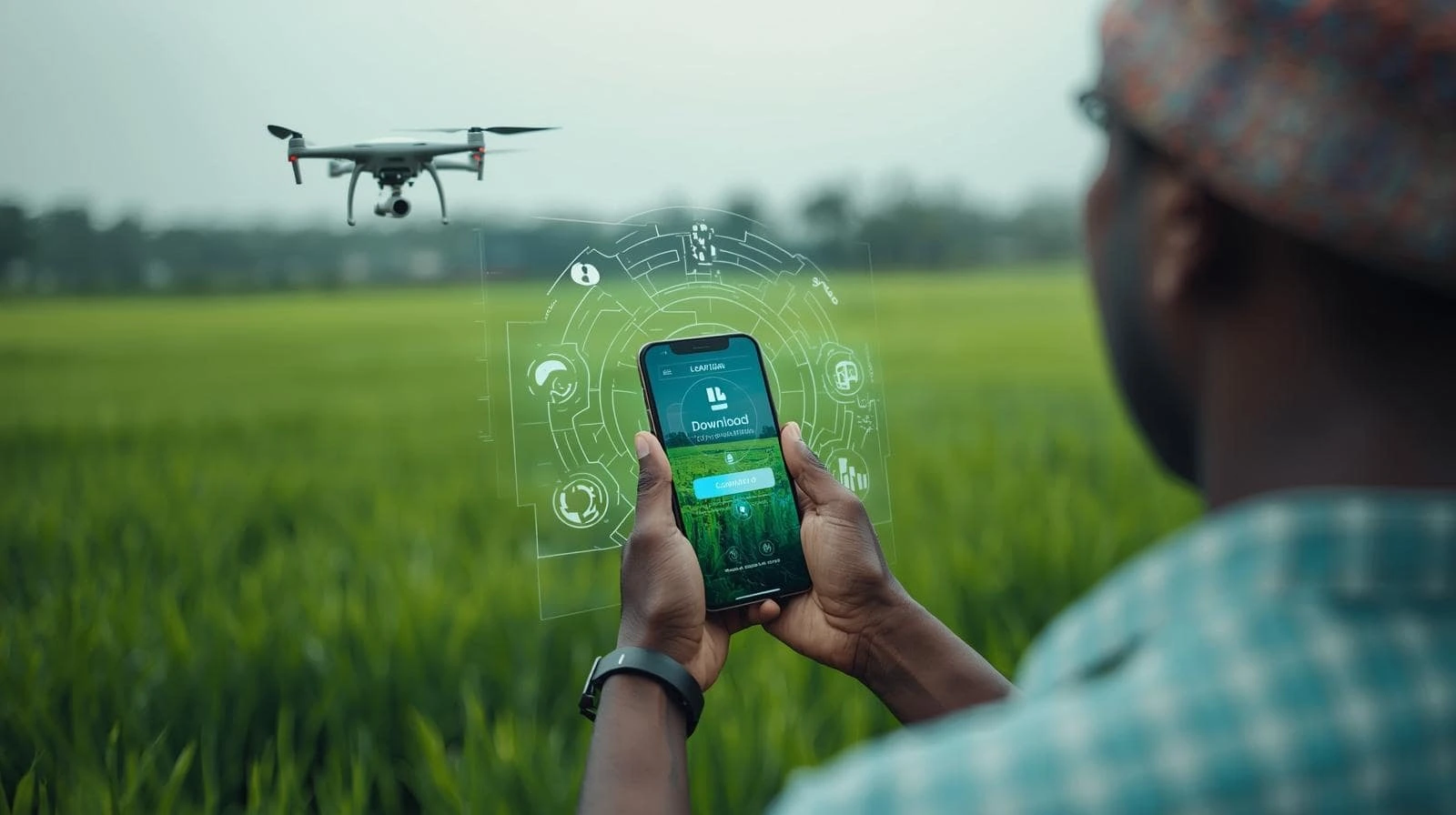
E-Panta App — Official APK & Safe Download

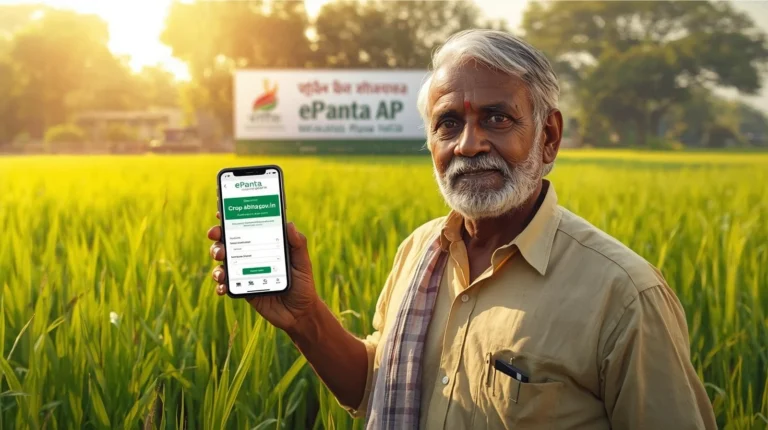
Dear Farmers, if you need to book crops, complete eKYC or download your certificate, the E-Panta app is faster on mobile but only if it’s the official APK. Installing the wrong file wastes time and risks data. Follow these steps to safely get the official app, install it, and verify it.
Login help | E-Panta Status Check
Why use the official APK?
- Official APK ensures secure eKYC, accurate crop booking and faster uploads.
- Play Store might not host AP-government APK; the official site distributes the verified file and a QR for easy install.
- Installing from the official portal prevents fake apps and data leaks.
Safe download & install (step-by-step)
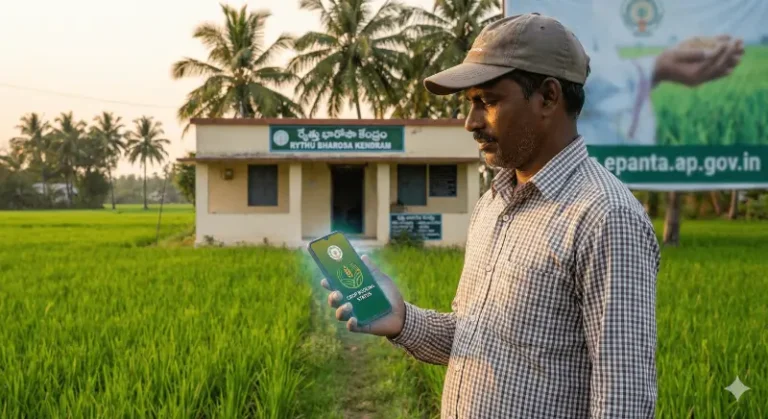
- On your phone, open the browser and go to https://epanta.ap.gov.in → Mobile App / Download.
- Scan the page’s QR code or tap the official APK link. Don’t download from third-party sites.
- Before installing: note the APK file size and the publish date shown on the portal.
- In Settings → Security, enable Install from unknown sources for your browser only while installing.
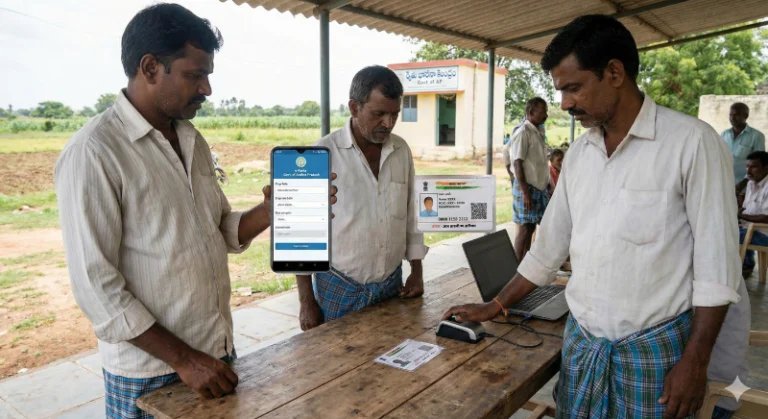
- Install the APK and open the E-panta app. Login using Aadhaar/OTP and complete in-app face auth (if required).
- After install, disable “Install from unknown sources” again for safety.
Permissions checklist (what to expect)
- Camera — for face authentication (only if the app asks).
- Storage — to save certificates/receipts.
- Location — sometimes required for crop verification (optional in many regions).
If the app requests unrelated permissions (SMS forwarding, contact uploads), do not install and contact helpline.
Verify APK (quick trust checks)
- Confirm the file size and publish date on portal match the file you downloaded.
- Look for the official QR code on the portal and scan (it should point to the same APK URL).
- If you can, check the APK hash (SHA-256) published on the portal. Matching hash = verified file.
Common install problems & fixes
- Install fails: free up storage and try again.
- App crashes: uninstall older copies (duplicates) and reinstall the latest APK.
- Permissions blocked: go to Settings → Apps → E-Panta → Permissions and enable required ones.
- Face auth fails: retry in good daylight; otherwise complete biometric eKYC at CSC.
When to update the app?
- Update whenever the portal shows a newer publish date, especially before major events (Kharif/Rabi booking deadlines).
Helpline & official links
- Download page: https://epanta.ap.gov.in → Mobile App
- Helpline: 1902
- Email: [email protected]