E Panta Login AP: Official Portal, Status Check & Mobile App Guide for Farmers

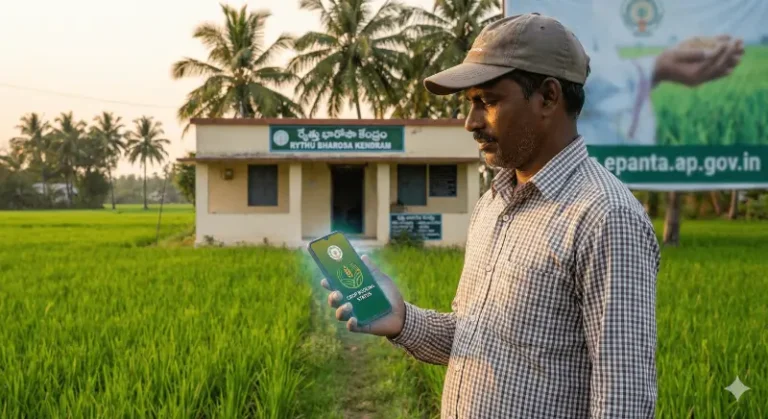
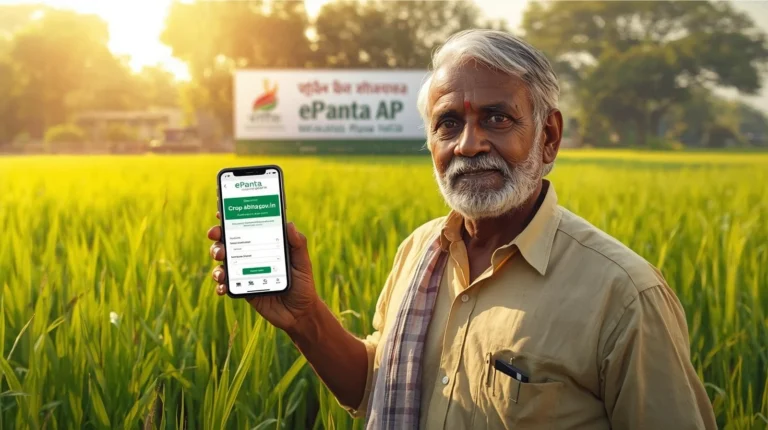
Welcome, Andhra Pradesh farmers! This comprehensive guide provides everything you need to know about **e Panta login**, **e Panta status checks**, and completing your essential **crop booking** through the official **epanta.ap.gov.in** portal. Whether you need to access your `e-Panta` account, track your Rythu Bharosa payment status, or understand the functionalities of the **e Panta app** and mobile access, we offer clear, step-by-step instructions. Our goal is to help you keep your agricultural records up-to-date and prevent delays in crucial payments and certifications.
Check Your e-Crop Status AP | E-Panta Complete Guide & App Info
Your E Panta AP Guide: Quick Links & Key Information
- Direct access to the official **e Panta login** portal: epanta.ap.gov.in
- Simple Aadhaar/OTP login steps for Andhra Pradesh farmers.
- Crucial checks for your AP e-Panta Status Check, including crop booking and payment statuses.
- Solutions for common **e-Panta** login and data discrepancies.
- Understanding your e-Crop Status AP (Approved / Pending / Rejected) and its impact on Rythu Bharosa.
E Panta Login: Step-by-Step for Farmers (Aadhaar/OTP)
- Open a browser and go to the official **e Panta** portal: https://epanta.ap.gov.in.
- Click on “Farmer Login” to initiate the **e Panta login** process.
- Enter your 12-digit Aadhaar number or your registered mobile number.
- Tap “Get OTP”. Enter the One-Time Password sent to your Aadhaar-linked mobile.
- After successful OTP verification, you’ll access your **e-Panta** dashboard, where you can view your land details, crop bookings, eKYC status, and Rythu Bharosa payment status.
Tip: For the best experience with the **epanta ap** portal, use Google Chrome on an Android device. Ensure any VPNs or proxies are turned off. If the OTP doesn’t arrive, verify your mobile number is linked to Aadhaar via the UIDAI website.
E Panta App: Official Mobile Access & Best Practices
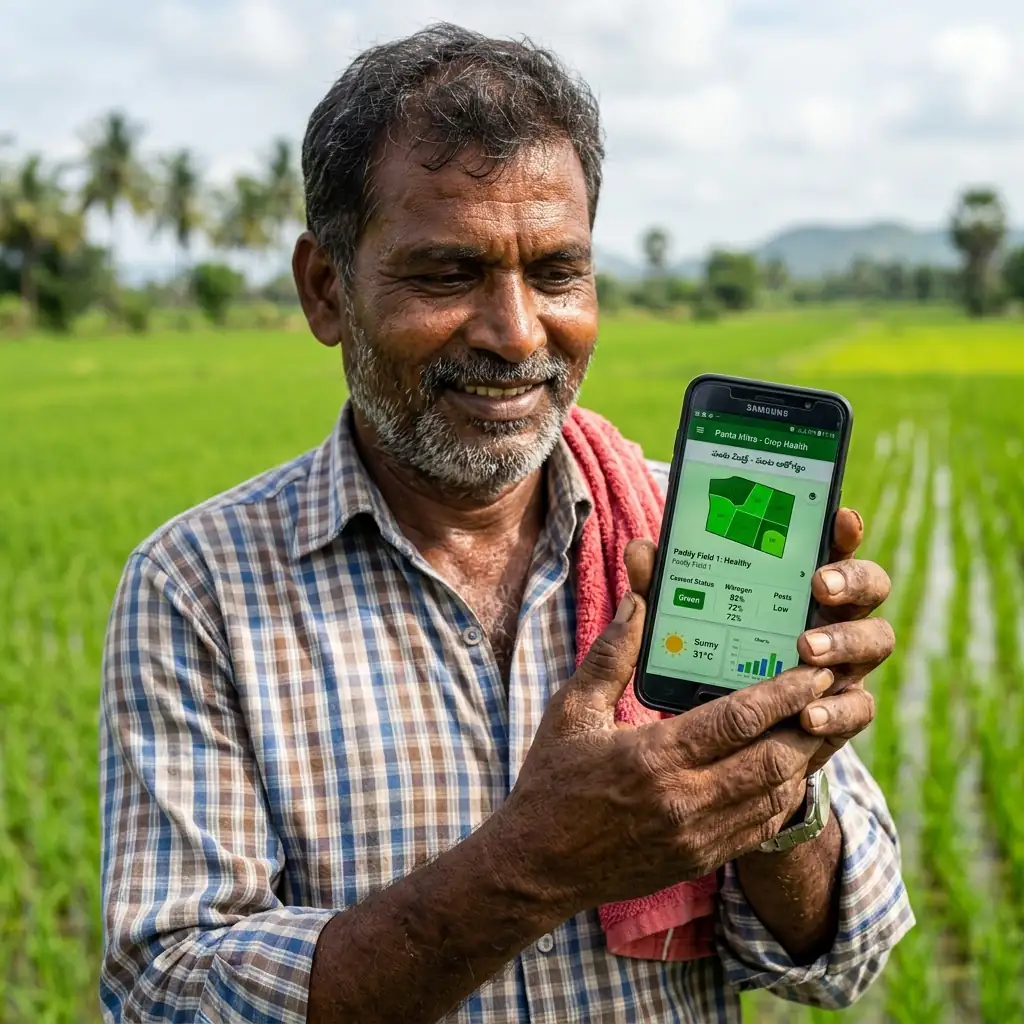
While there isn’t a dedicated **e Panta app download** for Andhra Pradesh farmers in the traditional sense, the official **epanta.ap.gov.in** portal is fully optimized for mobile devices. This means you can conveniently access all **e Panta** services, including **e Panta login**, crop booking, and status checks, directly from your smartphone or tablet browser without needing an additional **epanta app**.
Best Practices for Seamless Mobile Access:
- Always use a modern, updated web browser like Google Chrome for the best experience.
- Ensure the mobile number linked to your Aadhaar is in your device for smooth OTP verification during **e Panta login**.
- For optimal performance, avoid using VPNs or proxy services, as they can sometimes interfere with portal access.
- Bookmark epanta.ap.gov.in on your home screen for quick and easy access, mimicking an **e Panta app** shortcut.
Utilizing the mobile-friendly **e Panta** portal effectively allows you to manage your agricultural data and ensure timely updates on the go.
E Panta Status Check: Crop Booking, eKYC & Payment Status
- Dashboard shows “Crop Booking: Approved” → This is good for your Rythu Bharosa and PMFBY claims. For a detailed AP e-Panta Status Check, always verify all details.
- “eKYC: Pending” → You must complete your eKYC (either online face authentication or by visiting a CSC). Payments will be held until your eKYC clears.
- “Payment: Pending/Rejected” → Carefully check your bank details, ensure your Aadhaar is linked to your bank account, and verify that your land records match the details on **epanta ap**.
Troubleshooting Your E-Panta Login — 5 Fast Fixes
- No OTP: Double-check if your mobile number is linked to Aadhaar. Try sending the OTP again after 5 minutes. If the issue persists, visit your nearest CSC.
- Incorrect Aadhaar details: Use the “Edit Aadhaar Details” option on the **e-Panta** portal or get corrections done at your tehsil/CSC.
- E-Panta login keeps looping: Clear your browser cache and cookies, or try logging in using an incognito/private browser window.
- Dashboard shows wrong land: Verify your land survey number on Webland (webland.ap.gov.in) and upload the correct passbook details to **epanta ap**.
- App or site blocked: If the main portal is temporarily down, you may try the official IP link (45.127.101.203/e_panta) (for officials only – farmers should use the main portal or helpline).
When to Visit a CSC for E-Panta Related Issues?
- You require biometric eKYC (fingerprint / iris scanning).
- Your mobile number is not linked to Aadhaar for OTP verification.
- You need to correct discrepancies between your khatauni or Webland records and the **e-Panta portal**.
- Always carry: Your Aadhaar card, Webland passbook, and bank passbook.
E-Panta Helpline & Official Links for AP Farmers
- Official E-Panta portal: https://epanta.ap.gov.in
- Alternate admin login: 45.127.101.203/e_panta (Note: This is generally for officials only. Farmers should use the main portal or helpline.)
- Helpline: 1902 (For any assistance with **epanta ap** issues, including **e Panta login** and crop booking.)
- Email: [email protected]