E Panta AP Guide 2026

E Panta AP is Andhra Pradesh’s digital farmer registry and crop booking platform used for crop surveys, Rythu Bharosa payments, eKYC, and agricultural benefits. This guide explains login, registration, status check, app download, and common issues. You can also read our Hindi and Telugu guides on e Panta.
Official Portal: epanta.ap.gov.in
Helpline: 1902 | Email: [email protected]
E-Panta – #AP Govt electronic App based program for tracking/conveying crop data for 3 seasons, farmer schemes, advise to farmers via #YSRRBK kiosks etc. Revolutinary in helping farmers use tech to improve efficiencies. @NagireddyMvs @kannababu_k @AMD_GoAP @AndhraPradeshCM pic.twitter.com/2RDOmeclHe
— S. Rajiv Krishna (@RajivKrishnaS) July 17, 2020
Important Links
What is e Panta AP? (Farmer Registry + Crop Survey Platform)
e Panta is Andhra Pradesh’s official digital farmer registry and crop booking platform, integrated with:
- Webland (land records)
- eKarshak (input subsidy)
- Rythu Bharosa (DBT payments)
- PMFBY (crop insurance)
- AP Seva Portal (GSWS)
Used by Revenue, Agriculture, and Horticulture departments, AP crop booking portal replaces paper pattas with digital records. Over 1.5 crore transactions processed since 2015.
Portal: epanta.ap.gov.in
App: e Panta (available via APK or CSC)
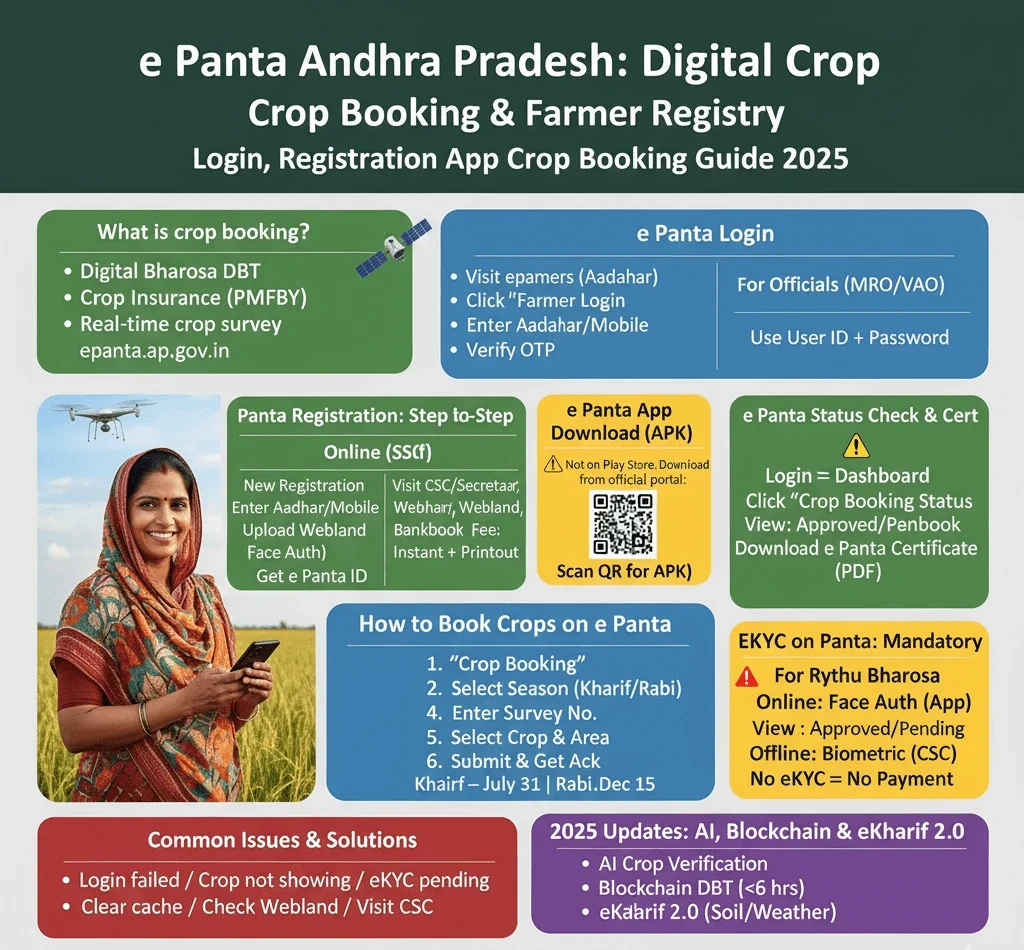
Key Features:
| Feature | Benefit |
| Farmer Registry | Aadhaar-based ID for all benefits |
| Crop Survey | Real-time sowing data via drones |
| eKYC | Face + biometric verification |
| DBT Agriculture | Direct ₹7,500 Rythu Bharosa |
| Crop Booking | Kharif/Rabi registration |
1.5 crore+ transactions since 2015 | Used by Revenue, Agriculture, Horticulture departments
How to Do e Panta Login?
For Farmers (Aadhaar-based)
- Visit epanta.ap.gov.in
- Click “Farmer Login”
- Enter 12-digit Aadhaar or Mobile Number
- Verify with OTP
- Access dashboard: View land, crop history, Rythu Bharosa status
- Land details (Webland)
- Crop history
- Rythu Bharosa payment status
- eKYC status
For Officials (MRO/VAO)
- Use User ID + Password + CAPTCHA
- Login at: 45.127.101.203/e_panta
e Panta Registration (Farmer Registry AP)
New farmers must register via CSC or online:
Online (Self)
- Go to epanta.ap.gov.in → New Registration
- Enter Aadhaar, Mobile, District, Mandal, Village
- Upload Webland Passbook (PDF)
- Complete eKYC (OTP + Face Auth)
- Get e Panta Farmer ID via SMS
Offline (GSWS / CSC / Sachivalayam)
- Visit nearest CSC/Village Secretariat
- Carry: Aadhaar, Webland copy, bank passbook
- Fee: ₹20–30
- Instant registration + printout
Tip: Link Aadhaar → Bank → Mobile for DBT Agriculture
e Panta App — Safe APK Download & Quick Install (Official)
Introduction
The official e Panta mobile app (epanta.ap.gov.in) is distributed as an APK for Andhra Pradesh users. Only download from the official portal. Follow these safe steps to download and install, avoid third-party APK sites.
Quick download (official)
Visit epanta.ap.gov.in → Mobile App / Download. Use the QR code on the portal or tap the official APK link.
Safe install steps (ordered):
- Open epanta.ap.gov.in → Mobile App and scan the portal QR or click the official APK link.
- On your phone enable “Install from Unknown Sources” for the browser used to download (Settings → Security).
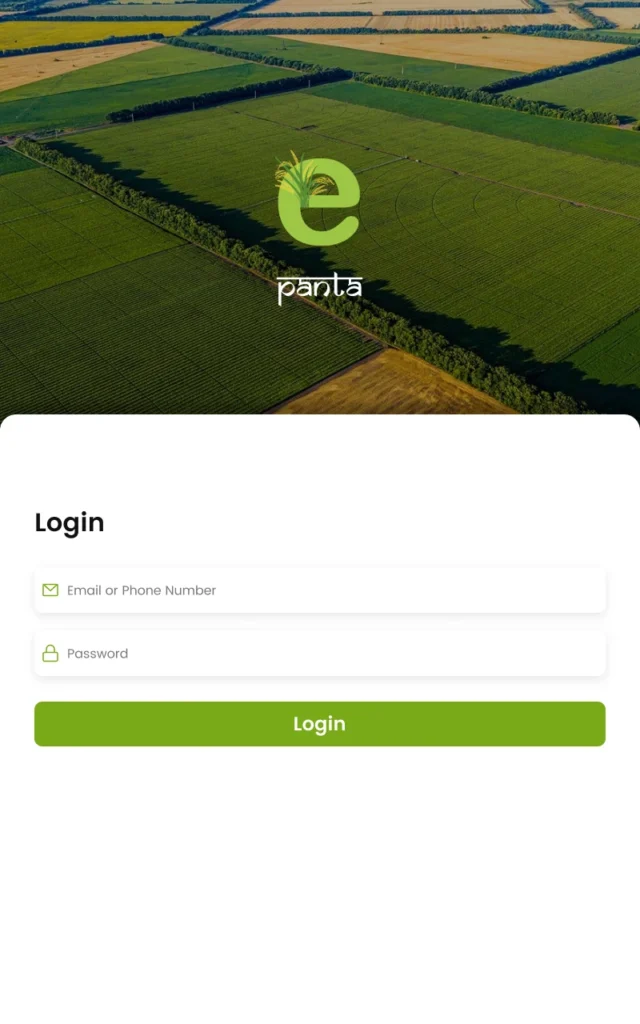
- Install the downloaded APK, open the app, and complete Aadhaar OTP login.
- Check app version/date in the app settings — uninstall older or duplicate copies.
Safety tips
- If unsure, contact the official helpline: 1902.
- Only download APKs from epanta.ap.gov.in.
- If the APK asks for unrelated permissions (contacts upload, SMS forwarding, etc.), do not proceed.
Official APK — verified by the AP Agriculture Portal. Need help? Call 1902.
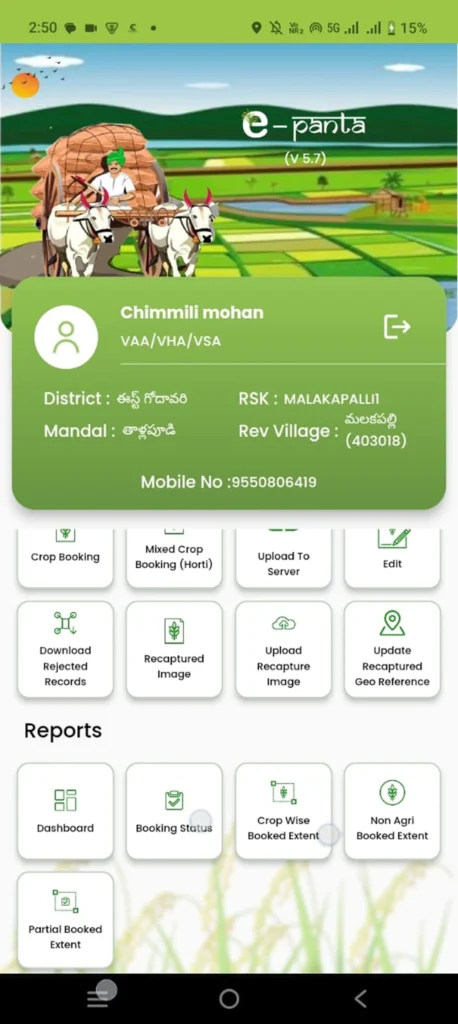
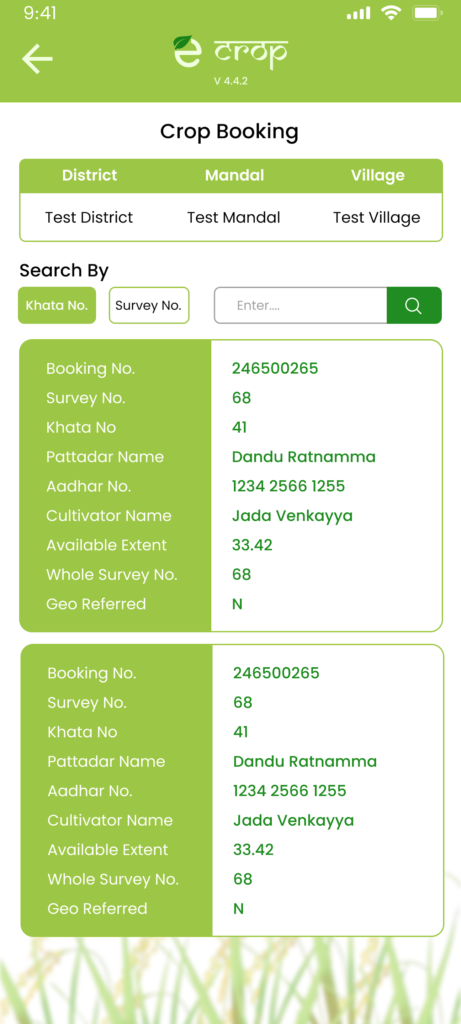
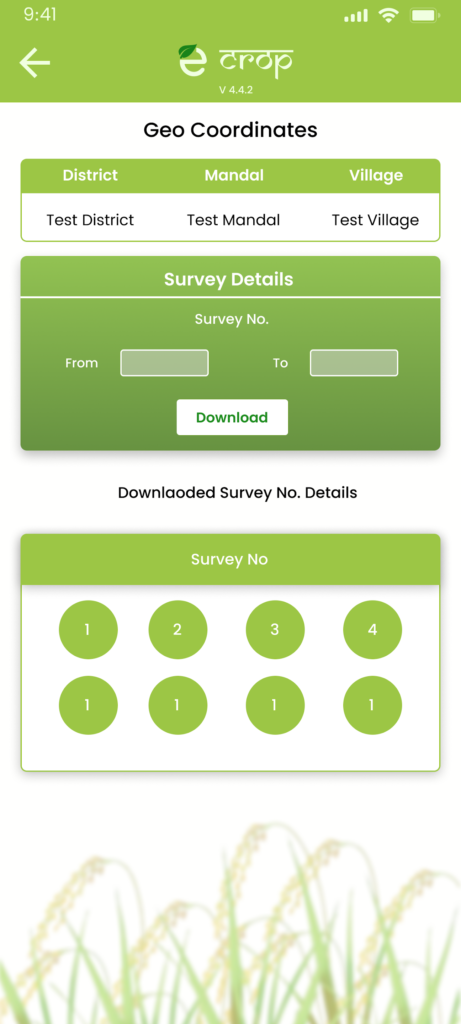
How to Book Crops on e Panta (Kharif/Rabi)?
Step 1: Login
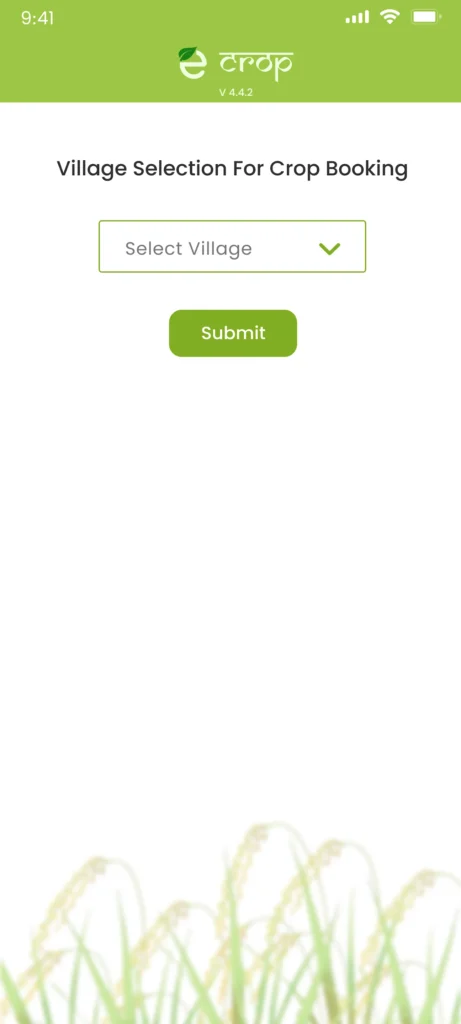
Step 2: Go to “Crop Booking”
Step 3: Select Season
- Kharif 2025: Paddy, Cotton, Maize, etc.
- Rabi 2025–26: Wheat, Gram, etc.
Step 4: Enter Survey No. (from Webland)
Step 5: Select Crop → Area (Acres) → Sowing Date
Step 6: Submit → Get e Panta Acknowledgement
Crop booking deadline: Kharif – July 31 | Rabi – Dec 15
e Panta Status Check & Certificate Download
- Login → Dashboard
- Click “Crop Booking Status”
- View: Approved / Pending / Rejected
- Download e Panta Certificate (PDF) – required for:
- Rythu Bharosa payment
- Crop loan
- PMFBY claim
eKYC on e Panta: Mandatory for Rythu Bharosa
From Kharif 2025, eKYC is compulsory.
How to Complete:
- Online: Face authentication via app
- Offline: Biometric at CSC
- Link: Aadhaar → Bank → Mobile
Without eKYC → No Rythu Bharosa payment ₹7,500
Common Issues & Solutions
| Issue | Solution |
|---|---|
| Login failed | Clear cache, use Chrome, check Aadhaar-mobile link |
| Crop not showing | Verify Survey No. in Webland |
| eKYC pending | Visit GSWS / CSC with Aadhaar |
| App not installing | Enable unknown sources, redownload APK from official site |
| Rythu Bharosa not received | Check eKYC + crop booking status |
FAQs
Download e Panta App → epanta.ap.gov.in
Check Rythu Bharosa Status → Here
Webland Login → webland.ap.gov.in