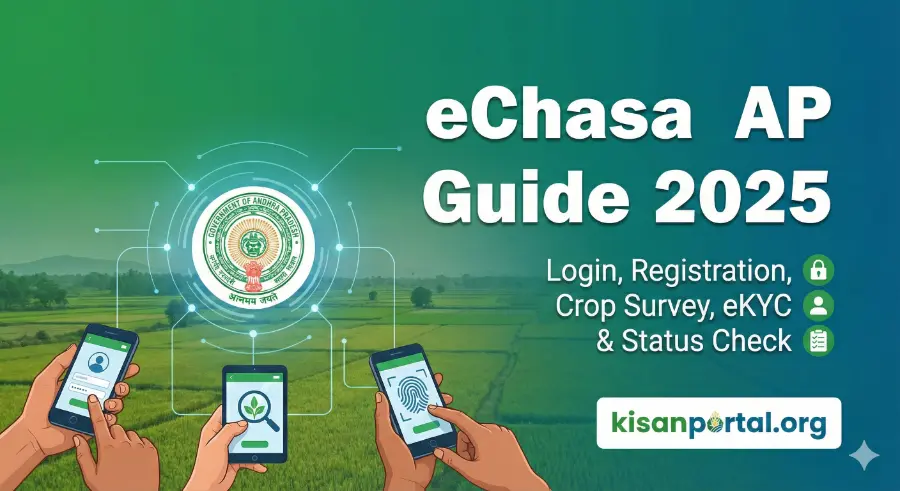
e-Chasa AP Guide 2026 – Login, Registration, Crop Survey, eKYC & Status Check

For thousands of Andhra Pradesh farmers, e-Chasa has now become the backbone of crop survey, land verification, online approvals, and government scheme eligibility. Whether you want to update crop details, finish eKYC, correct land data, or check approvals, eChasa is now mandatory.
But for most farmers, the biggest problems remain the same:
• The site doesn’t open
• Login fails
• Crop survey shows incorrect details
• Status stuck at “Pending”
• eKYC not updating
• Land mismatch errors
This guide solves all these issues with simple, practical steps.
What Is e-Chasa in Andhra Pradesh?
e-Chasa (Agriculture Crop Health & Survey Assistant) is the Andhra Pradesh Government’s digital platform for:
- Crop survey & crop health status
- Land mapping with Webland
- Rythu Bharosa eligibility verification
- PMFBY insurance linking
- Farmer registration & identity verification
- Digital crop inspection using mobile app
- eKYC and bank validation
Integrated with:
- e-Panta
- e-Crop (Karshak)
- Webland
- Rythu Bharosa
- PM Kisan
If your crop details in eChasa are wrong, it affects Rythu Bharosa payments, PMFBY claims, and subsidies.
How to Login to e-Chasa AP (2026)?
Step 1: Visit the official portal
https://echasa.ap.gov.in (or latest govt domain)
Step 2: Select login type
Farmer
• VAA/VRO
• Agriculture Department officer
Step 3: Enter:
• Aadhaar number (for farmers)
• Password / OTP
Step 4: Verify with OTP
Step 5: Access your dashboard
You will see:
• Crop survey details
• Land records
• eKYC status
• Farmer registration info
• Booking season & crop type
• Errors needing correction
How to Register on e-Chasa (Farmer Registration 2026)?
Option 1 – Self Registration (Online)
- Visit portal → “New Farmer Registration”
- Enter Aadhaar
- Mobile OTP verification
- Upload Webland passbook
- Confirm land & crop details
- Submit → Get Farmer ID
Option 2 – Via Village Secretariat / CSC
Carry:
• Aadhaar
• Passbook copy
• Mobile number
They will complete registration & issue receipt.
How to Complete Crop Survey in e-Chasa?
Crop survey is mandatory for:
• Rythu Bharosa
• PMFBY insurance
• Subsidy
• Disaster compensation
Process:
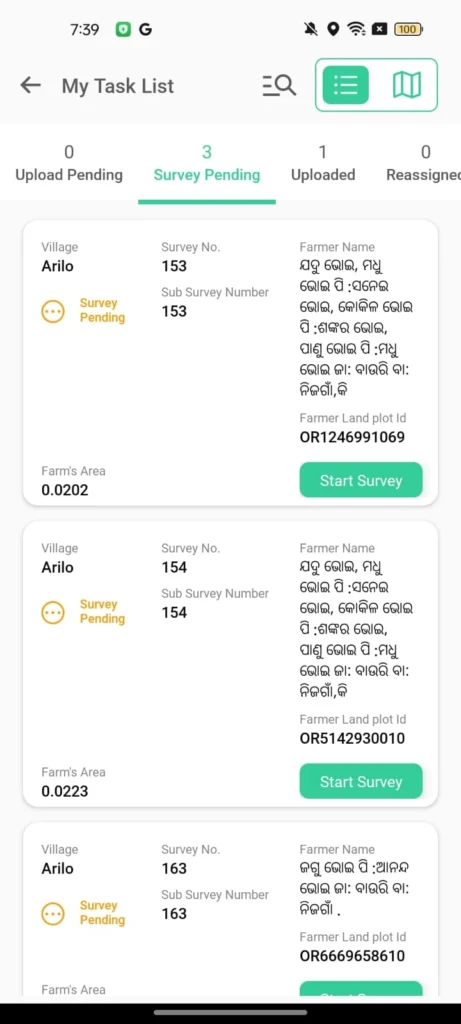
- VAA/MAO visits your field
- Takes geotag photos
- Confirms crop type & acreage
- Updates in e-Chasa app
- Dashboard shows “Verified”
Farmers can check the status online.
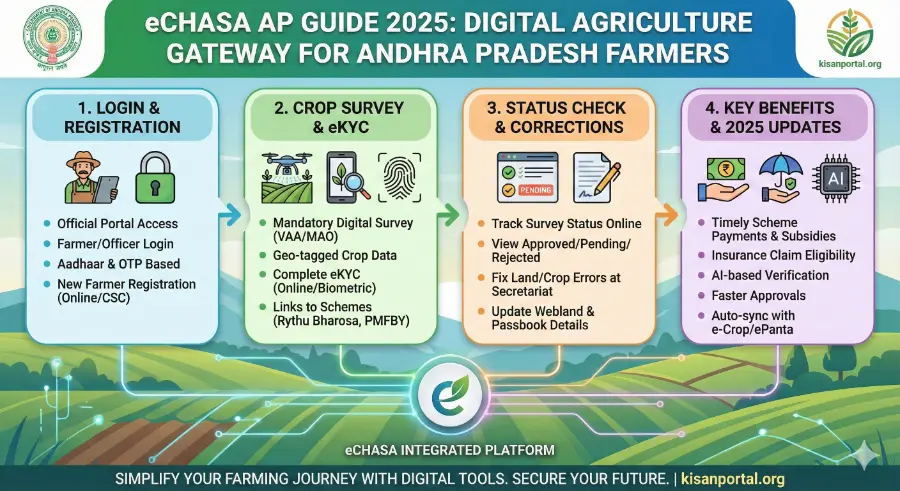
How to Check Your e-Chasa Status?
- Step 1: Visit portal
- Step 2: Click “Crop Survey Status”
- Step 3: Enter Aadhaar / Farmer ID
- Step 4: View:
- Approved
- Pending
- Rejected
- eKYC pending
- Land mismatch
- Clarification required
Approved means:
Your crop details are verified and linked to all schemes.
eKYC on e-Chasa is Mandatory for AP Farmers
Without eKYC:
• Rythu Bharosa will not be credited
• PM Kisan will be stopped
• Crop approval remains pending
How to Complete eKYC
Online:
- Visit pmkisan.gov.in → eKYC
- Enter Aadhaar
- OTP verification
Offline:
Visit CSC → Biometric eKYC (₹15–20)
Face eKYC:
Available in new e-Panta app.

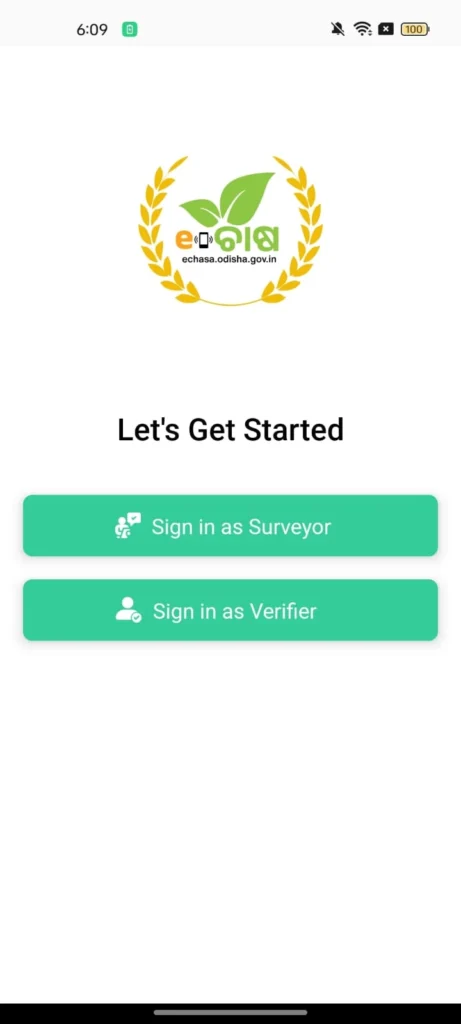
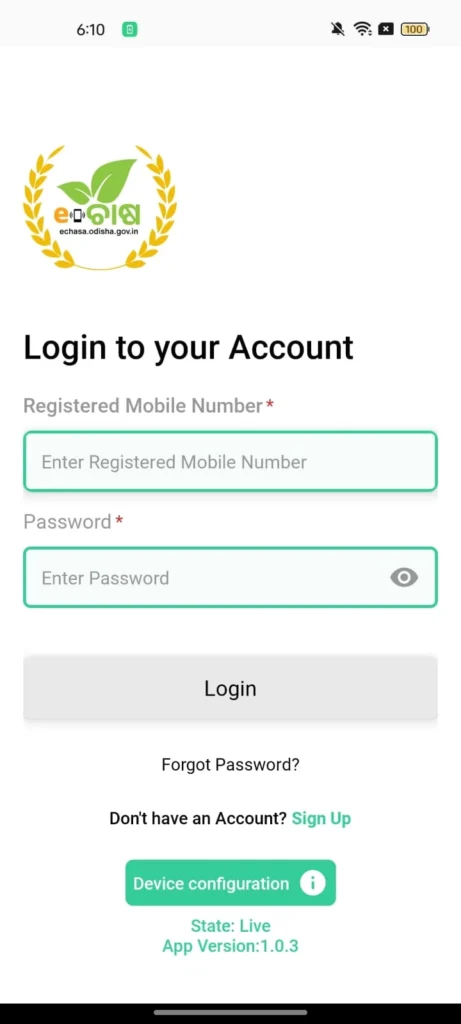
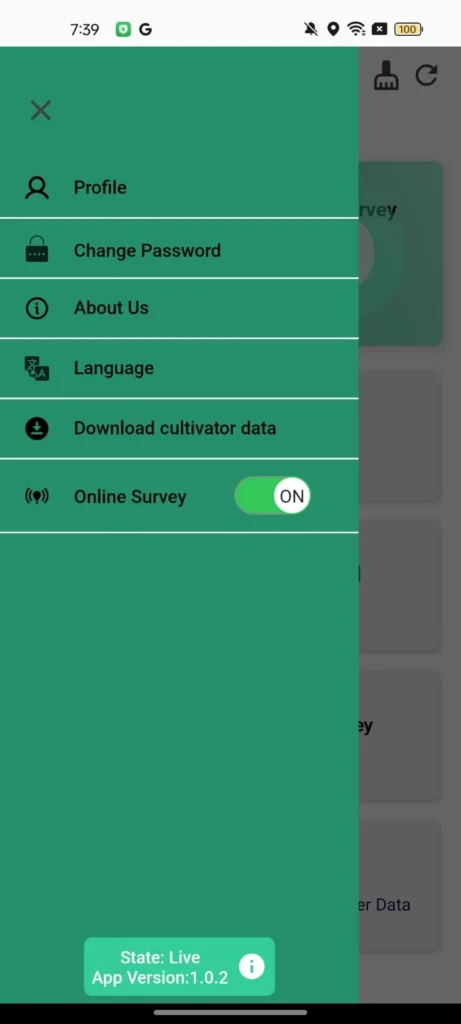
Common Problems & How to Fix Them
1. Land Mismatch / Survey Number Error
Fix:
• Update Webland at Village Secretariat
• Reupload passbook
• Re-verify land extent
2. Crop Not Found
Fix:
• Ask VAA to update survey data
• Rebook crop on ePanta/eCrop
3. Status Pending for too long
Fix:
• Visit VAA office with survey number
• Request manual verification update
4. eKYC Pending
Fix:
• Complete PM Kisan eKYC
• Link Aadhaar with bank
5. Incorrect Farmer Name / Acreage
Fix:
• Correct details in Aadhaar/Webland
• Get data refreshed in eChasa
2026 Updates in e-Chasa AP
- AI-based crop verification
- Drone + satellite crop health mapping
- Auto-sync with eCrop/ePanta
- Updated APK for officials
- Faster approval system