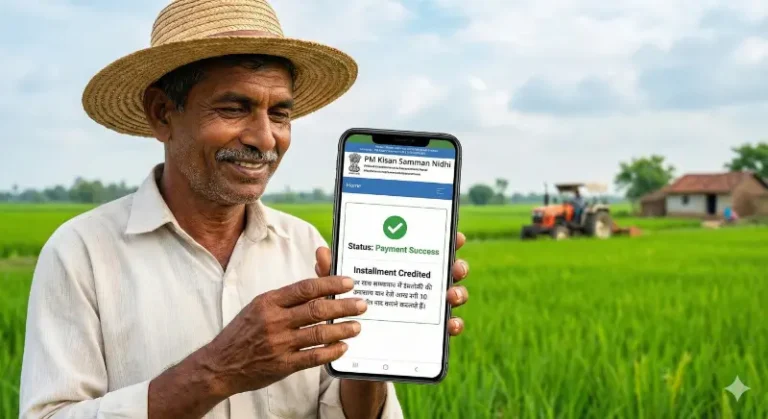
How to Complete PM Kisan eKYC via Face Authentication (2026 Guide)

Can I do PM Kisan eKYC without an OTP?
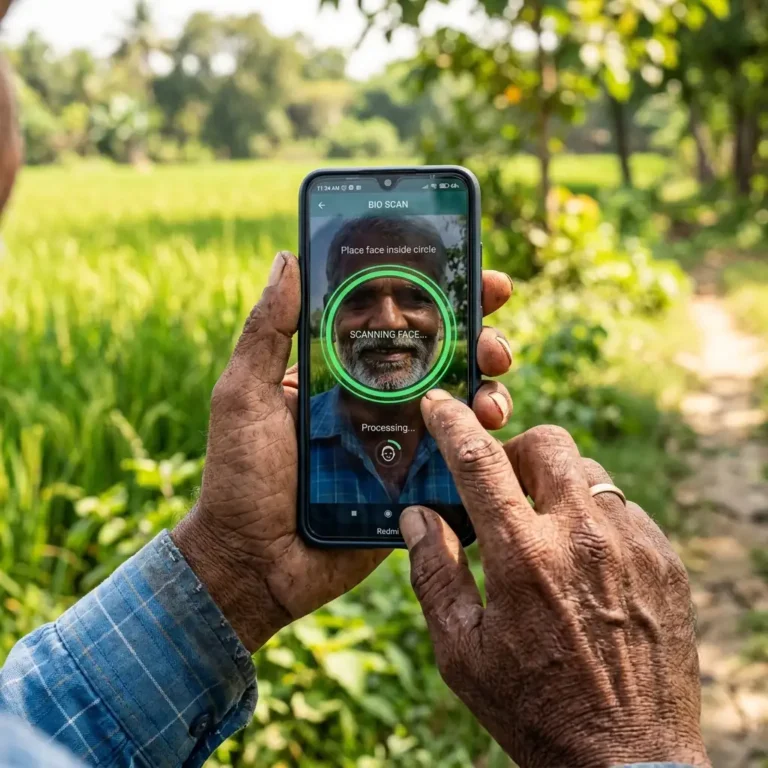
Yes, in 2026, you can complete PM Kisan eKYC without an OTP by using the Face Authentication feature in the official PM-KISAN GoI app. You must also install the Aadhaar Face RD app to enable the biometric scanner on your smartphone.
If you are unable to receive the Aadhaar OTP or cannot visit a CSC center, the PM-Kisan Mobile App now allows you to complete your eKYC using just your phone’s camera. This is the fastest way to ensure your March 13, 2026 payment is not blocked.
Pre-requisites for Face eKYC:
- An Android smartphone with a working front camera.
- The PM-KISAN GoI App (Official).
- The Aadhaar Face RD App (Required for the face scanner to work).
- A stable internet connection and a well-lit room.
Step-by-Step Face Authentication Process:
- Download Required Apps: Install both the PM-KISAN GoI App and the Aadhaar Face RD App from the Google Play Store.Note: The Face RD app is a “background” app; you won’t see an icon for it, but it is necessary for the scanner to function.
- Login to PM-Kisan App: Open the PM-Kisan app and log in using your Aadhaar Number and the OTP sent to your registered mobile.
- Check eKYC Status: On the dashboard, if your eKYC status shows as ‘No’, click on the ‘eKYC’ icon.
- Scan Face: * The app will ask for permission to use the camera. Click ‘Allow’.
- Keep your face within the frame.
- Tip: Blink your eyes when prompted to prove you are a live person (Liveness Detection).
- Submit & Confirm: Once the scan is successful, the system will match your face with the Aadhaar database. You will see a message: “eKYC is completed successfully.”
Quick Checklist: Is Your Profile Ready for the 22nd Installment?
Use this checklist to verify your eligibility before March 13, 2026:
- [ ] eKYC Status: Shows “Yes” on the portal or app.
- [ ] Land Seeding: Shows “Yes” (Verified by State authorities).
- [ ] Aadhaar Seeding: Your active bank account is linked with Aadhaar (DBT enabled).
- [ ] Registration Number: You have noted down your permanent Registration ID.
- [ ] Farmer ID (If Applicable): If you are in one of the 14 mandatory states (like UP, Bihar, Rajasthan), your Farmer ID is linked.
FAQs
How do I do PM Kisan eKYC without OTP?
You can perform eKYC without an OTP by using the Face Authentication feature in the official PM-KISAN mobile app. This requires installing the Aadhaar Face RD app and scanning your face via the smartphone camera. It is the most reliable method for elderly farmers or those with mobile linking issues.