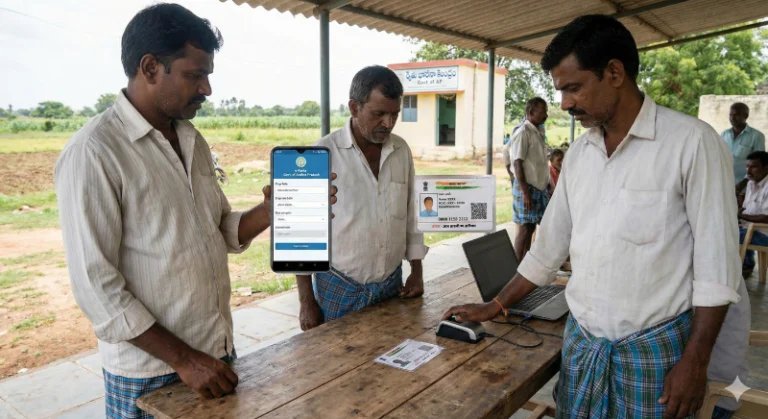
e Crop Status by Aadhar 2026: Check Your Latest Update

The way farmers access critical information about their land and crops is evolving rapidly, with a growing number of farmers now seeking to check their e crop status by Aadhar. This rising trend highlights the importance of digital access to agricultural data, directly impacting eligibility for various government schemes like crop insurance and subsidies. If you’re a farmer looking to verify your registered crop details or understand your application’s progress, knowing how to perform this crucial status check using your Aadhaar number is essential for ensuring your records are accurate and up-to-date.
What is e Crop Status by Aadhar and Why is it Important?
“E crop status by Aadhar” refers to the process where farmers can digitally verify the details of their registered crops and land parcels using their unique Aadhaar identification number on official state agricultural portals. This system aims to bring transparency and efficiency, allowing farmers to:
- Confirm Crop Registration: Ensure their cultivated crops and land details are correctly recorded with the government.
- Verify Eligibility: Ascertain their eligibility for various farmer welfare schemes, like the Pradhan Mantri Fasal Bima Yojana (PMFBY), and other benefits.
- Track Application Progress: Monitor the approval status of their crop registration applications or related scheme benefits.
- Prevent Discrepancies: Quickly identify and rectify any errors in their digital records, which could otherwise lead to delays or denial of benefits.
This streamlined process ensures that government support reaches the right beneficiaries based on verified crop data.
How to Check e Crop Status by Aadhar: A Step-by-Step Guide
Checking your e crop status using your Aadhaar number is a straightforward process, typically conducted through your respective state’s agriculture department portal. Follow these steps carefully to access your details:
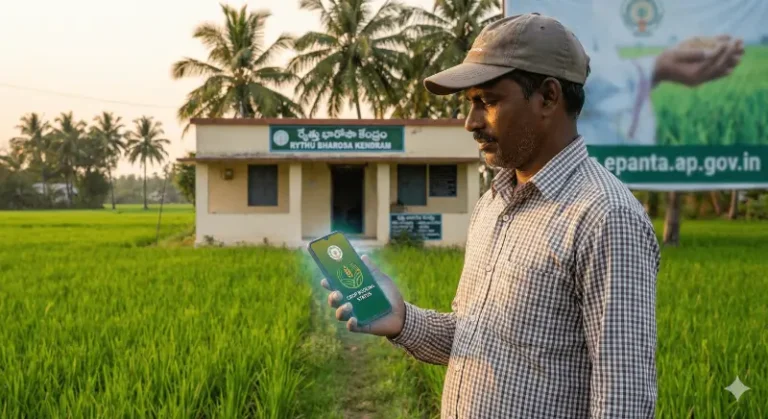
- Visit the Official State e-Crop Portal: Navigate to the official website of your state’s agriculture department or the dedicated e-Crop/e-Panta portal. For example, states like Andhra Pradesh and Telangana have specific portals. Always ensure you are on a legitimate government website (look for .gov.in or .nic.in domains).
- Locate the “Status Check” or “Beneficiary Status” Option: On the homepage, look for sections like “Farmer Services,” “e-Crop Status,” “Know Your Status,” or “Beneficiary Status.”
- Select “Aadhaar Number” as the Search Criterion: Most portals offer multiple ways to search (e.g., survey number, mobile number). Choose the Aadhaar Number option.
- Enter Your Aadhaar Number: Carefully input your 12-digit Aadhaar number into the designated field. Double-check for any typing errors.
- Enter Captcha/Security Code: To verify you are not a robot, you might need to enter a displayed captcha code.
- Submit Request: Click on the “Submit,” “Get Details,” or “Search” button.
- View Your e Crop Status: Your registered crop details, land information, and the current status of your e-crop registration will be displayed. This might include details about the crop season, type of crop, area cultivated, and the application’s processing stage.
Note: The exact interface and options may vary slightly between different state portals. For specific instructions related to E-Crop status in Andhra Pradesh, you can refer to our detailed guide.
Understanding Your e Crop Status Messages
When you check your status, you might encounter several common messages. Here’s what they generally mean:
- “Approved” / “Verified”: Your crop registration details have been successfully verified and approved by the authorities. This is the desired status.
- “Pending Verification” / “Under Process”: Your application has been submitted and is currently being reviewed by agricultural officials. This usually requires patience.
- “Rejected” / “Discrepancy Found”: There might be an issue with your submitted details or a mismatch with existing records. The reason for rejection is usually provided.
- “Details Not Found”: This could mean your Aadhaar number is not linked to any e-crop registration, or you might have entered incorrect details.
Troubleshooting: What to Do if Your Status is Pending or Rejected
If your e crop status is not “Approved,” don’t worry. Here are the common actions you can take:
- For “Pending Verification”:
- Wait: Give it some time, as processing can take a few days or weeks, especially during peak seasons.
- Contact Local Agriculture Department: If the status remains pending for an extended period, visit your local Krishi Bhawan or the Village Revenue Officer (VRO)/Agriculture Extension Officer (AEO) to inquire about the delay and any further requirements.
- For “Rejected” or “Discrepancy Found”:
- Review Rejection Reason: Carefully read the reason provided for the rejection on the portal.
- Gather Required Documents: Depending on the reason, you may need to update your land records, provide missing documents required, or correct application details.
- Re-apply/Update Information: Follow the instructions provided by the portal or agricultural officials to re-submit your application or update the incorrect information. For initial registration, you can refer to our E-Crop registration guide.
- Seek Assistance: Visit your local agricultural office for direct guidance and assistance in rectifying the issues.
What This Means for Farmers: Kisan Portal Analysis
The increasing adoption of Aadhaar for checking e-crop status signifies a major step towards digitizing agricultural administration in India. This means greater transparency, quicker access to scheme benefits, and reduced paperwork for farmers. While it simplifies verification, it also places responsibility on farmers to ensure their Aadhaar and land records are correctly linked and updated. Regular checks of your e-crop status will become a crucial habit for maximizing access to government support and protecting your interests. It empowers farmers with direct control over their recorded agricultural data, making the system more accountable.
For further reference, you can visit the official website of the Department of Agriculture in your state.